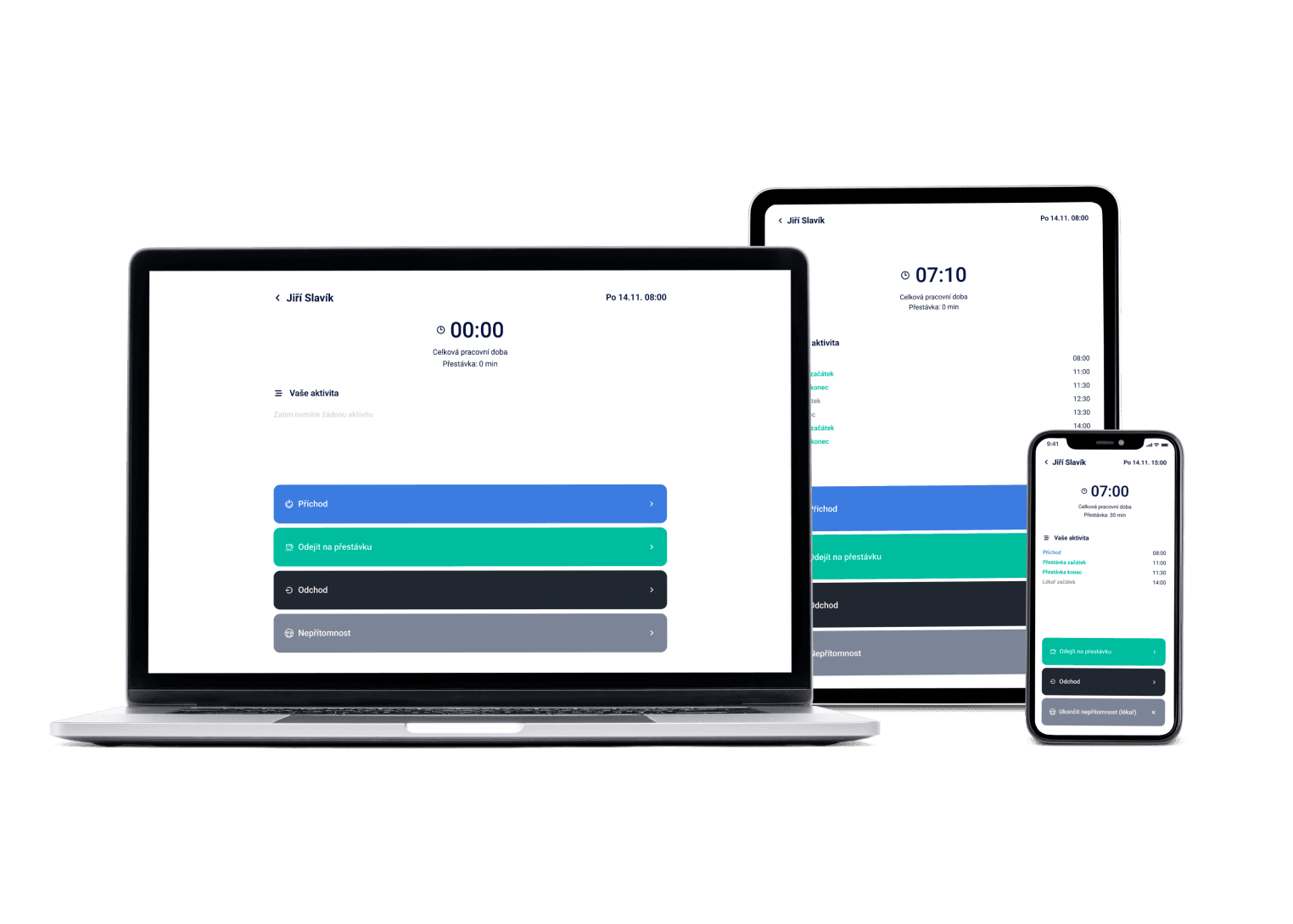
Vacation requests, sick leave and comp time in one place. Employees request from their phones, you approve with one tap — and everything flows straight into the schedule and payroll data.
We've got a plan for your shifts! Just like for 100+ other companies


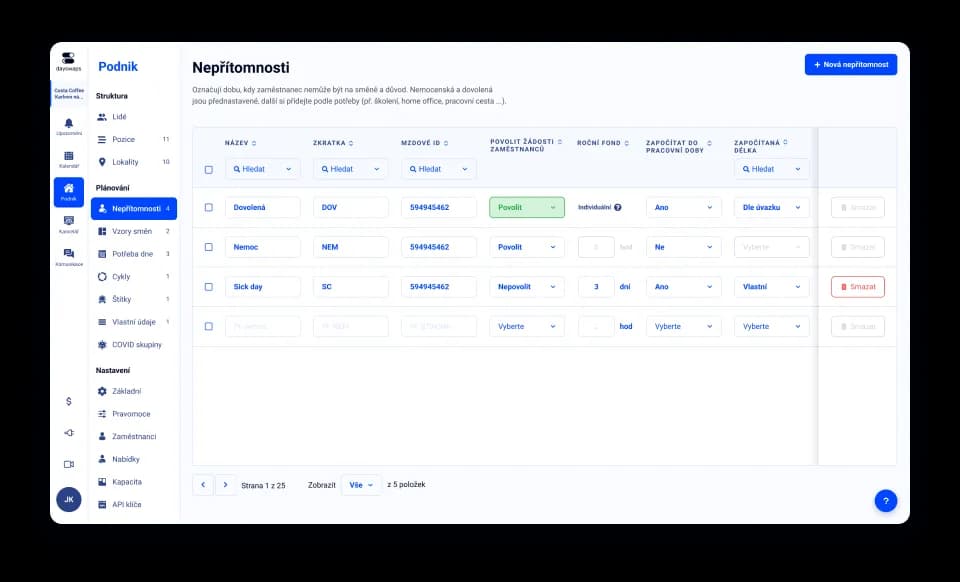
Set up time off exactly how it works at your company
Create your own absence types and decide who can request what and who approves it. No borrowed templates that don't fit.
A doctor's note attached right to the request
Employees attach documents directly to their absence request. Nothing gets lost in email — you have everything in one place.
An hours balance that squares itself
Set a balancing period and let the system make sure worked and scheduled hours match up exactly as the law requires.
It's the rule that says who may request which type of absence and who approves it. In Dayswaps you set the process to match your operation — from a free hand for employees to multi-step approval — and every request then follows a clear path from submission to decision.
An employee sends a request from the mobile app, attaching a photo of the sick note if needed. You get a notification, approve or decline, and the result immediately shows up in the calendar, attendance and payroll data.
AI + Human
“Who still has leave left this year?” The assistant lists the remaining entitlement for the whole team or one person. You see December's rush of requests in November, not when it arrives.
From the Complete plan up you can also ask for a custom report to download — “How many weekend hours did each employee work last quarter?” — and the file arrives right in the reply.
The AI Assistant is part of every plan.
See everything the AI Assistant can do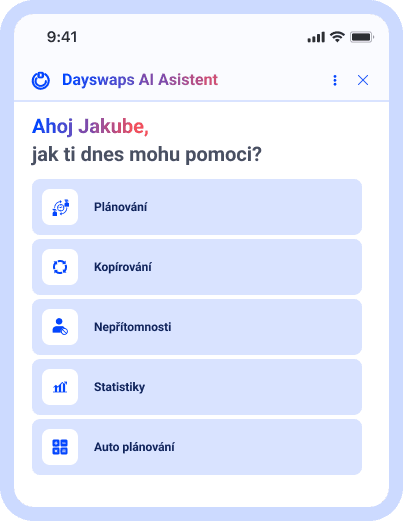
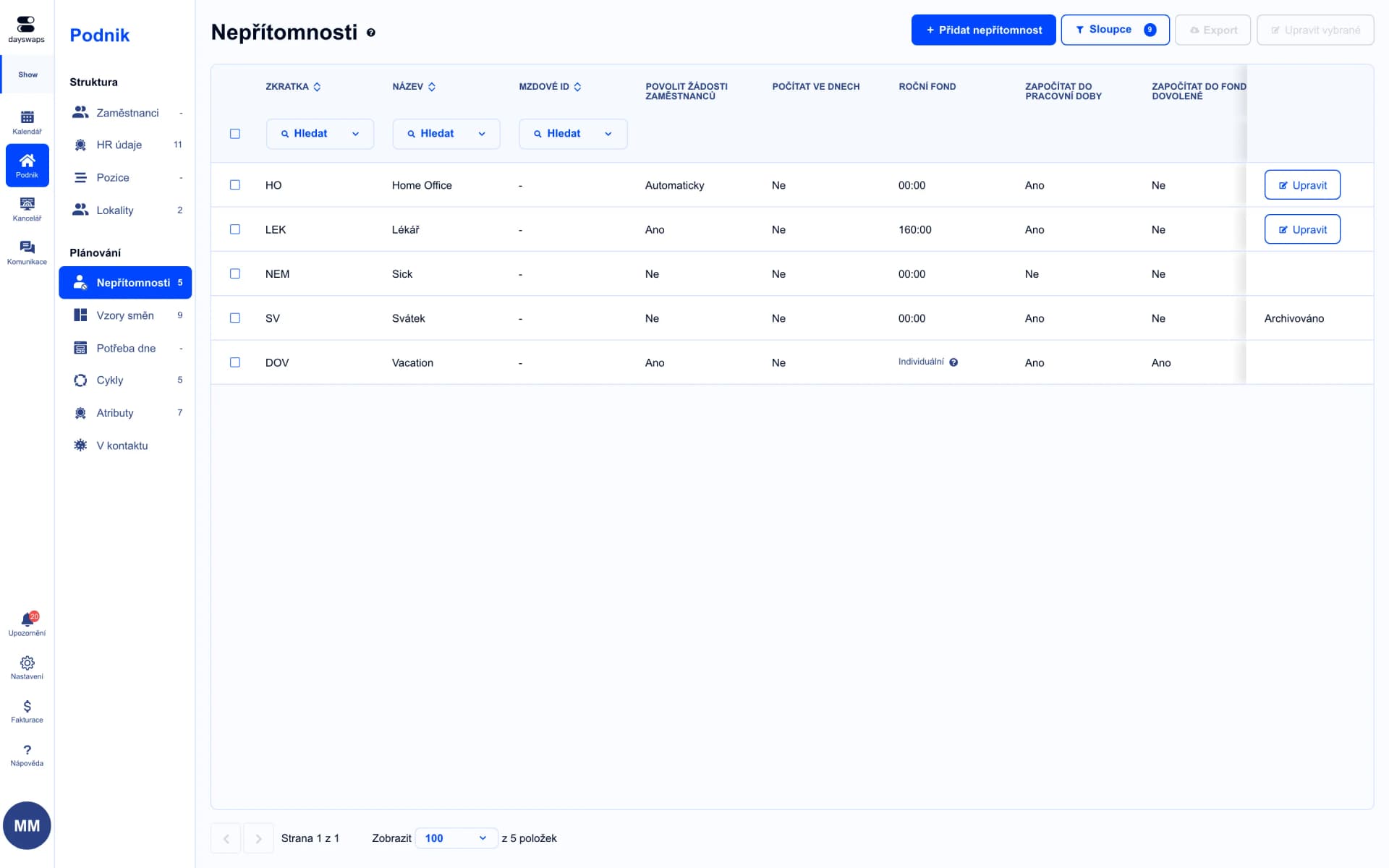
Vacation, sick leave, or anything of your own
Set up absence types exactly the way it works at your company.
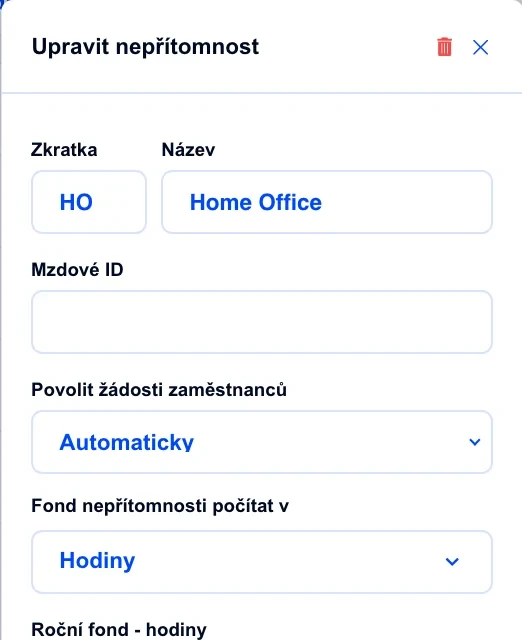
You decide who requests what and who approves it
Set who may request which type of leave and who has the final say on approval.
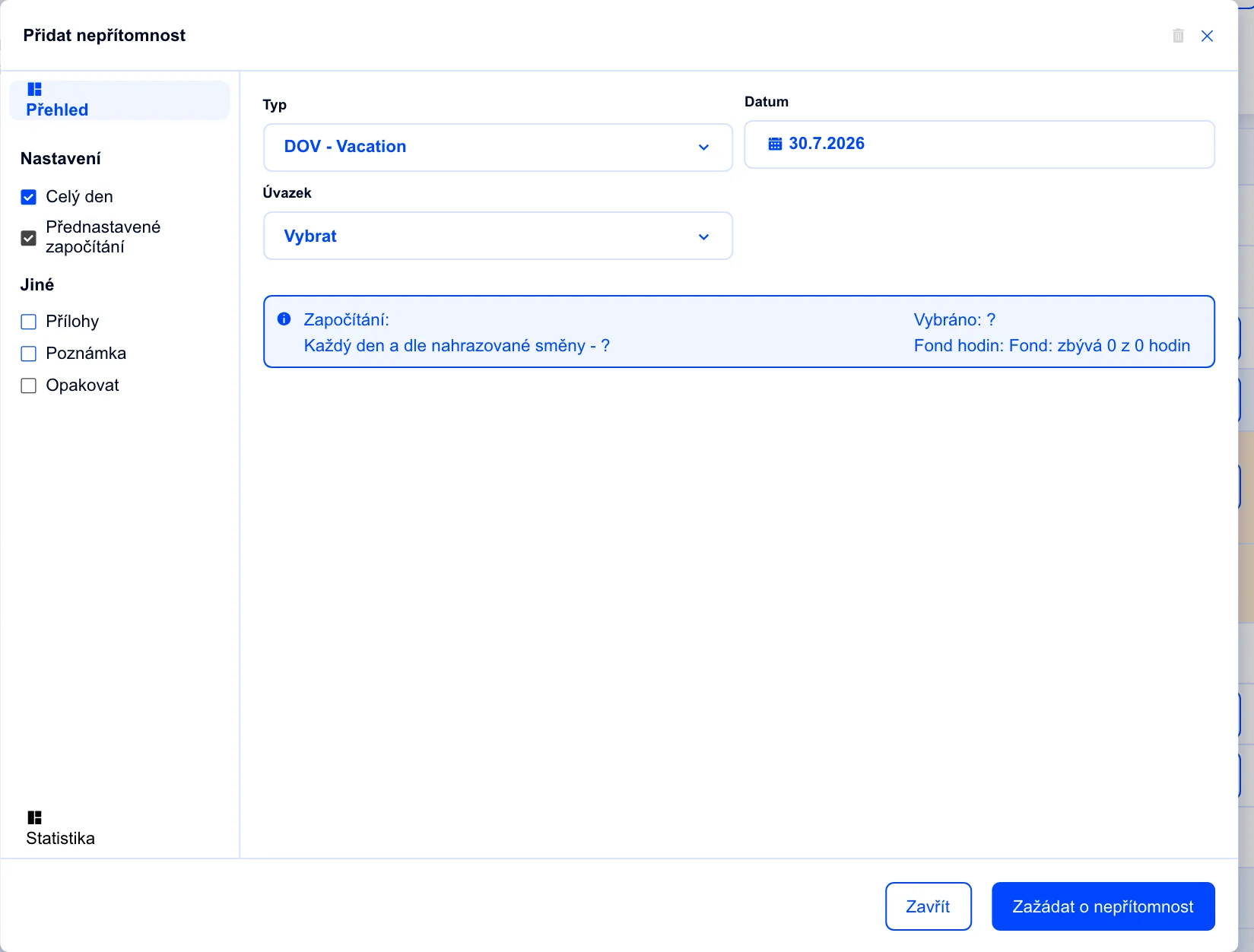
A doctor's note right on the request
Employees attach a document (like a doctor's note) directly to the request — nothing gets lost in email.
"I no longer have to search for information across text messages, e-mail and Facebook. With Dayswaps I have everything in one place, saving me both time and nerves."
Juraj Balogh
Creditcall
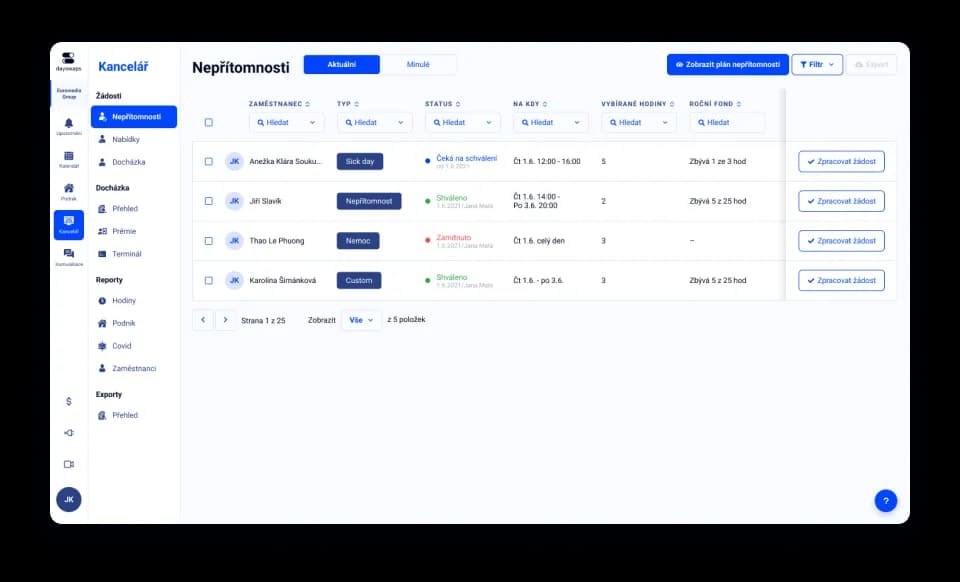
Calendar or table, whichever suits you
Look at absences in the calendar, or pull a clear table for a whole period.
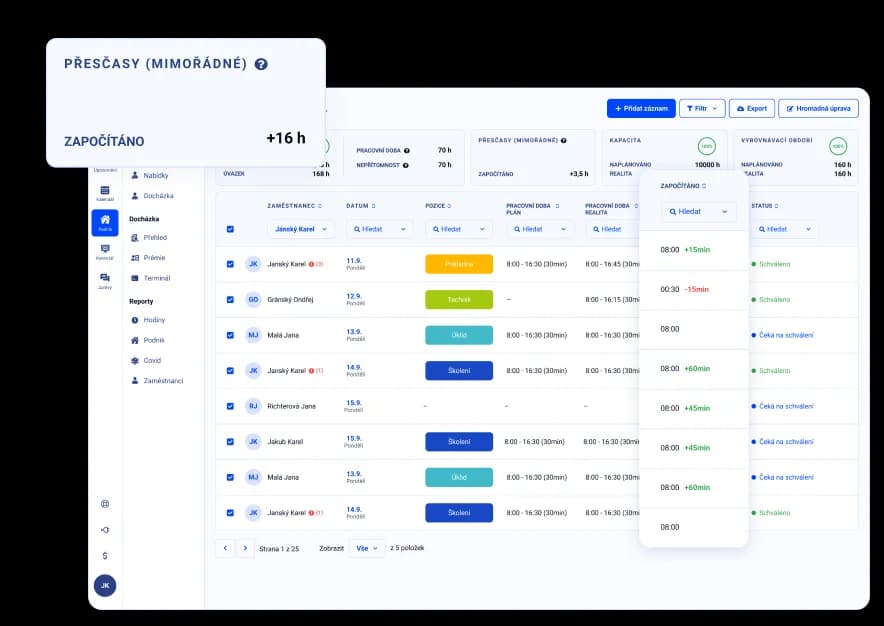
An hours balance that squares itself
Set a balancing period — the system makes sure worked and scheduled hours match up as the law requires.
You always know where things stand
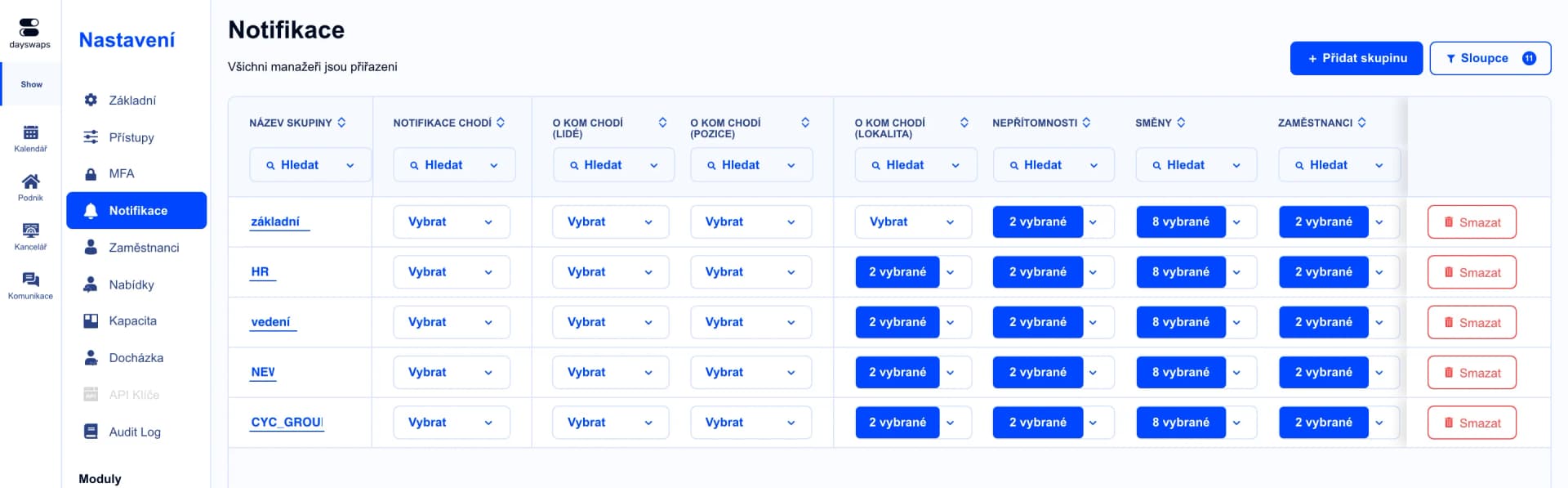
Employees and managers both get notified about every change in a request's status.
Yes. An absence can cover a full day, half a day, or just part of a day — say half a day of work and half a day of vacation.
In the mobile app they pick the absence type and dates, and attach a file if needed. They get a notification once it's approved or declined.
That's up to you. In the approval process you set who may request each absence type and who approves it.
Yes. Besides the usual vacation or sick leave you can define your own — like comp time or doctor visits.
Yes. Approved absences carry over to attendance, and in the payroll export each has its own payroll ID so your accountant recognizes them instantly.
Enter the sick leave as usual and check how the day counts toward the hour fund in attendance. And if you're unsure, support usually replies within hours.
Join more than 100 companies that plan their shifts with Dayswaps.
Free for 14 days, no credit card required.