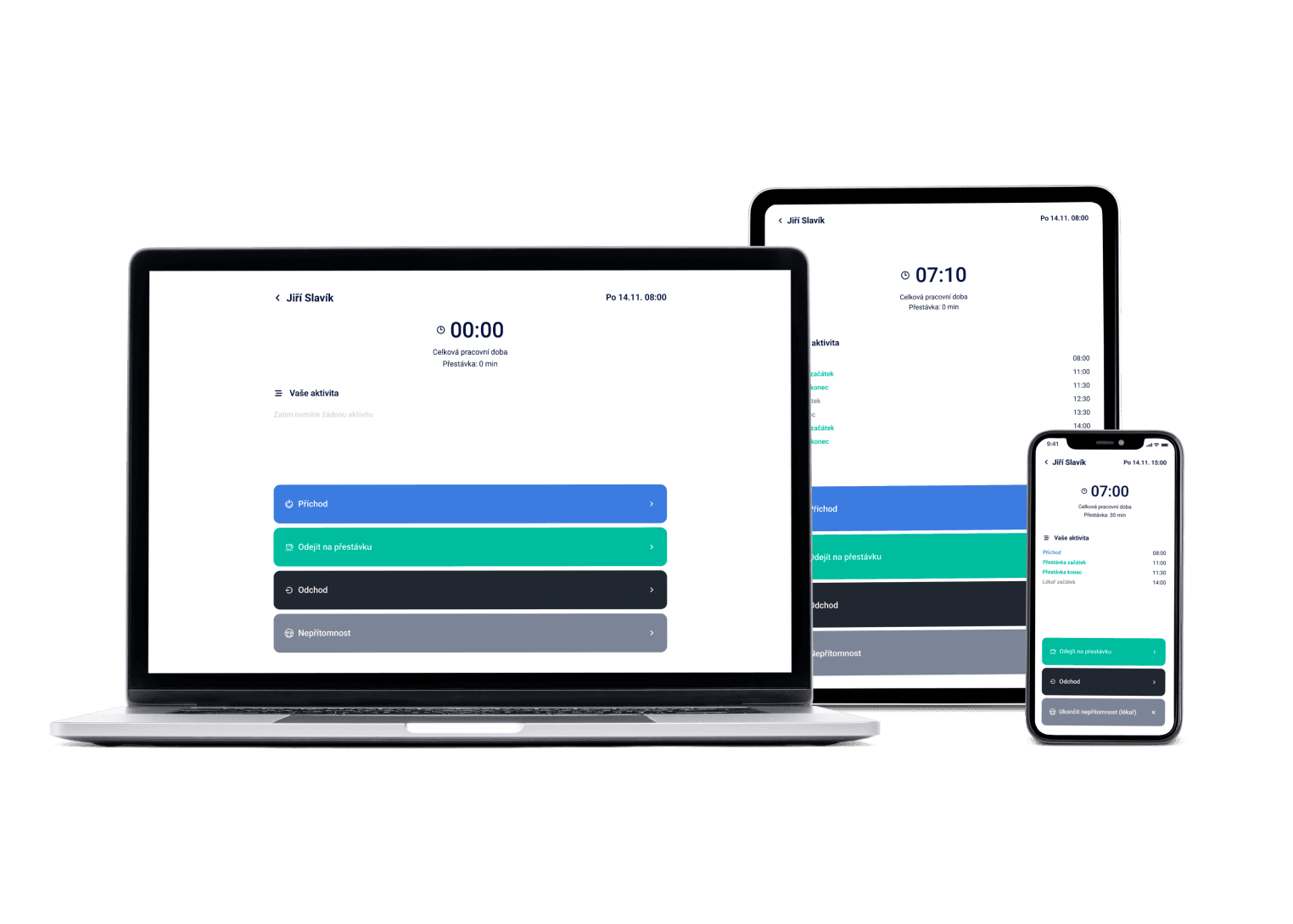
Your team checks shifts, requests time off, or swaps a shift with a colleague — right from their phone, in seconds. The app is free for your whole team, rated 4.6★ on the App Store.
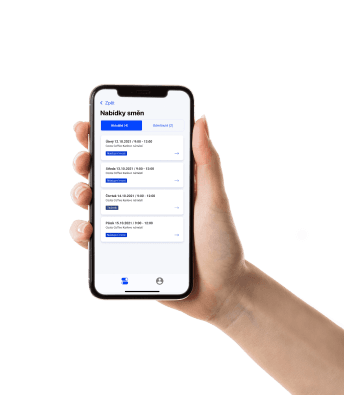
We've got a plan for your shifts! Just like for 100+ other companies


Works even when the signal doesn't
No reception in the warehouse, on the line, or in the kitchen? The app works offline too — your schedule is always at hand.
Swap a shift with a colleague in a few taps
Can't make a shift? Swap it with a colleague right in the app. Your manager just confirms it.
Schedule, attendance, chat and offers in one app
Employees don't have to switch between apps. Schedule, requests, attendance and messages from colleagues, all in one app rated 4.6★.
The Dayswaps mobile app is an iOS and Android app where employees see their shifts, request time off, offer or swap shifts, and read messages from their manager — without ever opening a computer.
New employees first activate their account through an invitation from their manager, then log in with the email and password they set during web registration. After the first login, the app offers to turn on notifications — for new shift offers, approvals, or manager messages — which you can always adjust later in Settings → Notifications.
Download the app
One QR code sends you straight to the right store — the App Store on iPhone, Google Play on Android. The app is free for your team.
Scan to download
AI + Human
“How much leave do I have left?” Your people ask the assistant inside the app and it answers them — leave remaining, overtime, where they stand in their reference period, who is on shift with them. It also walks them through how things are done in the app, and reads a screenshot of the schedule if they paste one in. No quota limits them.
From the Complete plan up you can also ask for a custom report to download — “How many weekend hours did each employee work last quarter?” — and the file arrives right in the reply.
The AI Assistant is part of every plan.
See everything the AI Assistant can do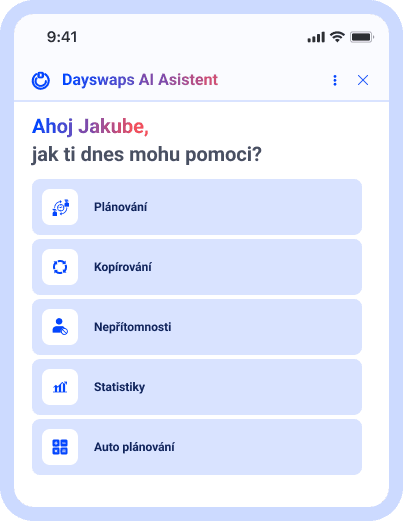
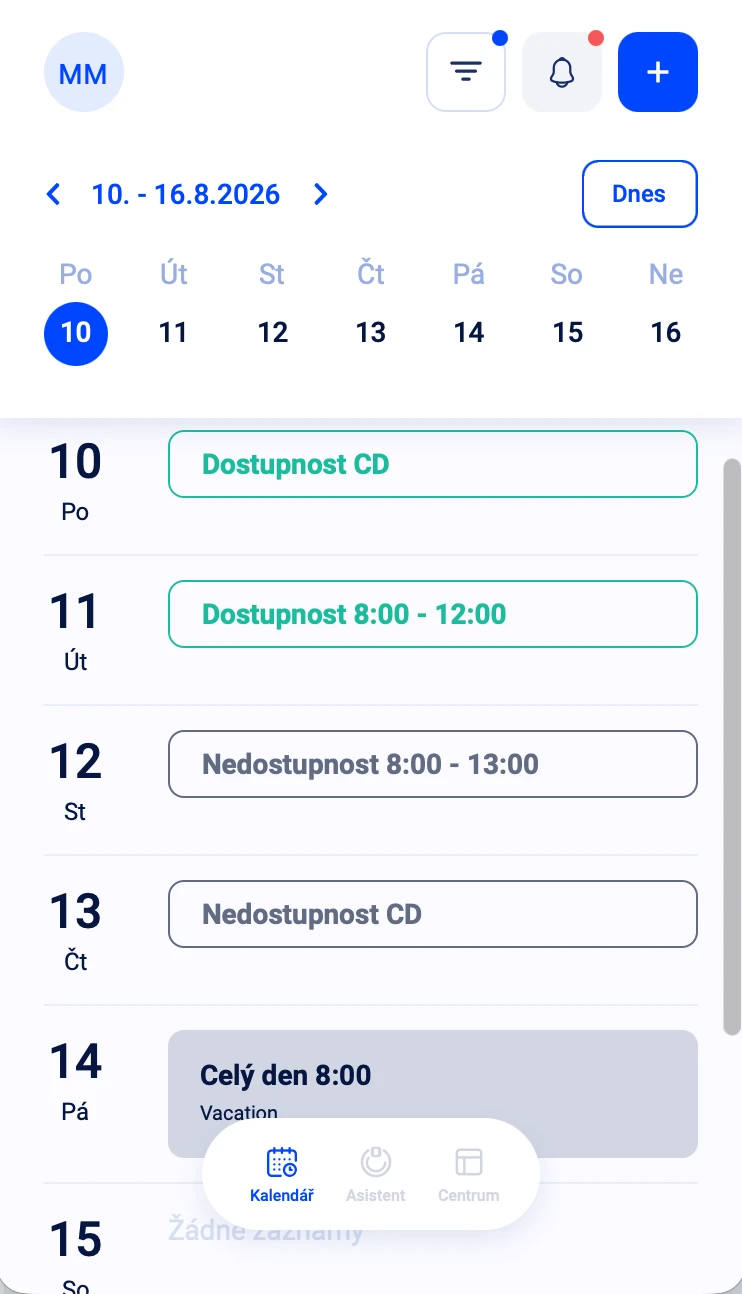
All your shifts at hand
A chronological view of your shifts — when, where, and with whom you're working.
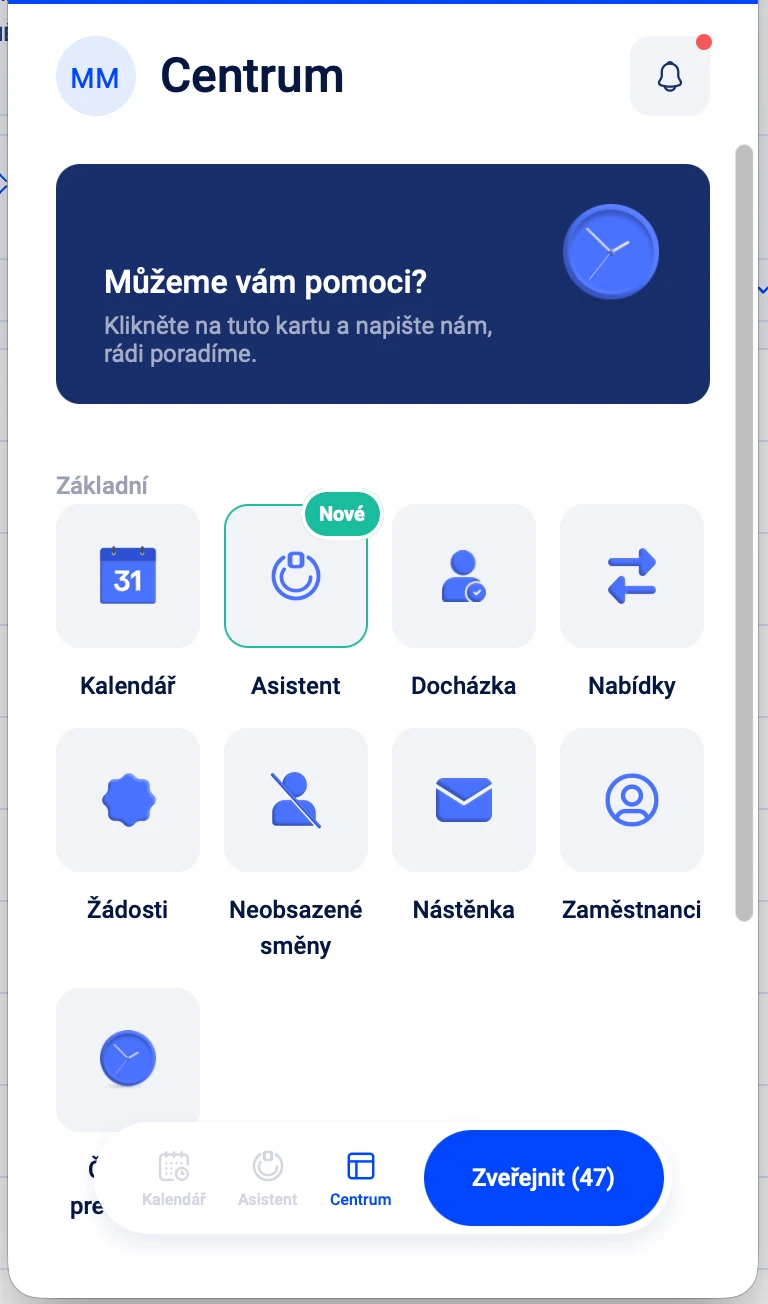
Works even when the signal doesn't
The app works without a connection too — your schedule is at hand in the basement, on the line, or in the factory.
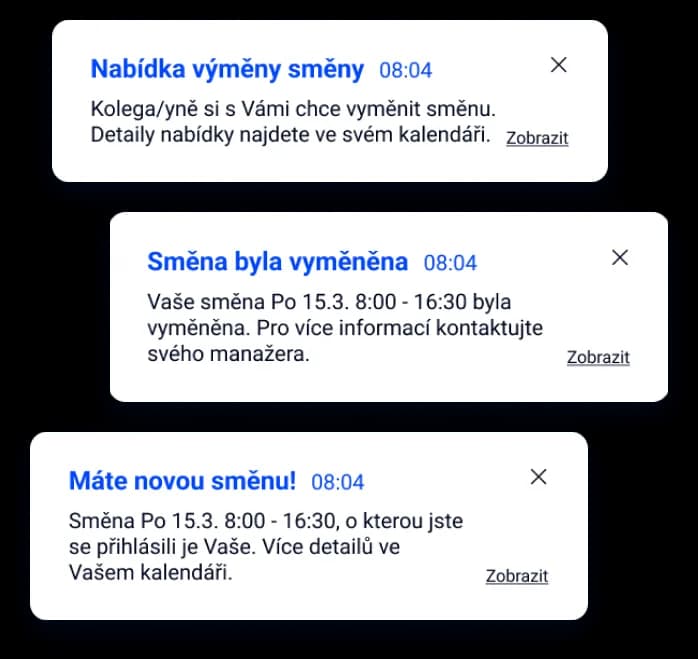
Know instantly when something changes
Push notifications alert you to a new shift, an approved request, or a message from a colleague.
"Our café chain has plenty of branches and a great number of employees in them. I love using employee transfers between branches, so my café is always staffed exactly as I need."
Jan Čonka
Costa Coffee Chodov
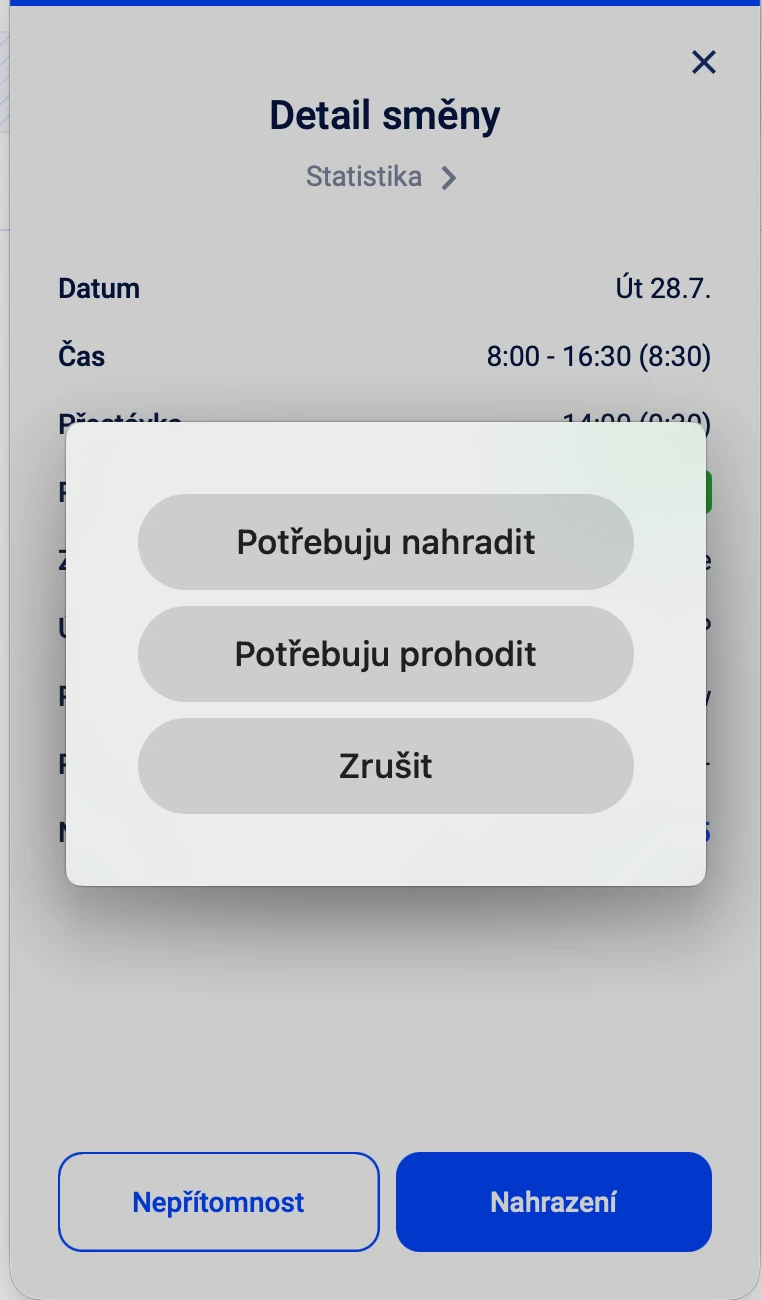
Handle it from your phone
Sign up for an open shift or swap a shift with a colleague right in the app.
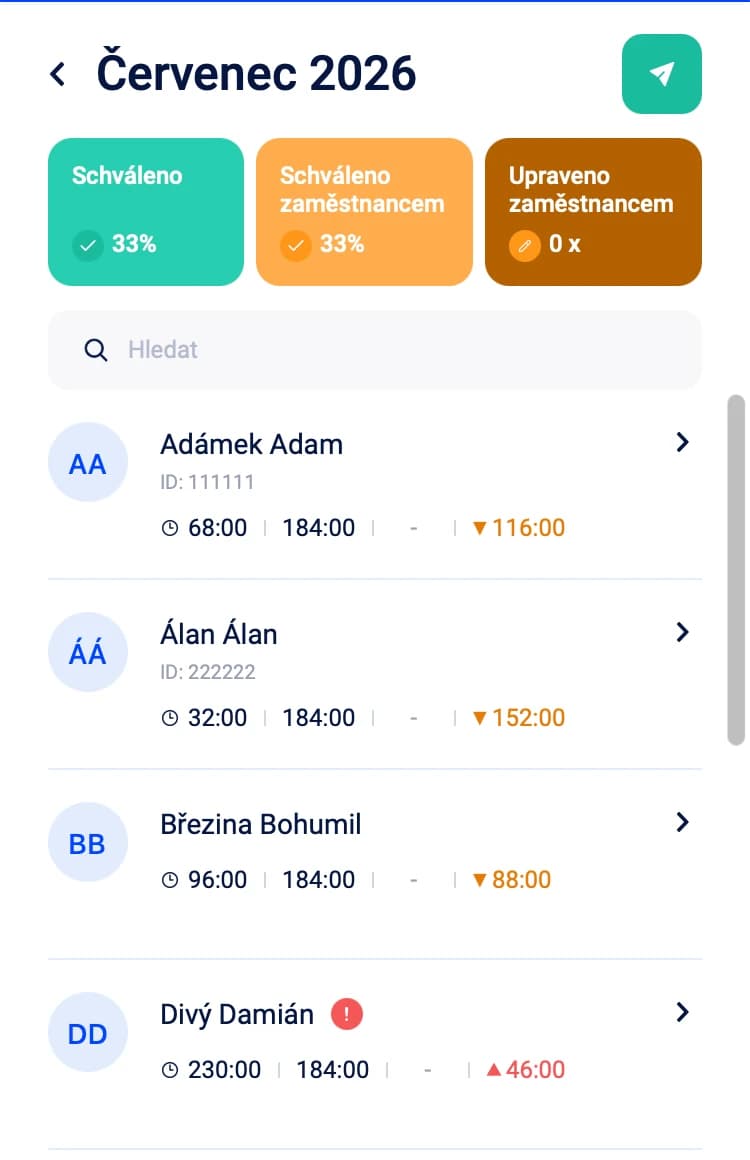
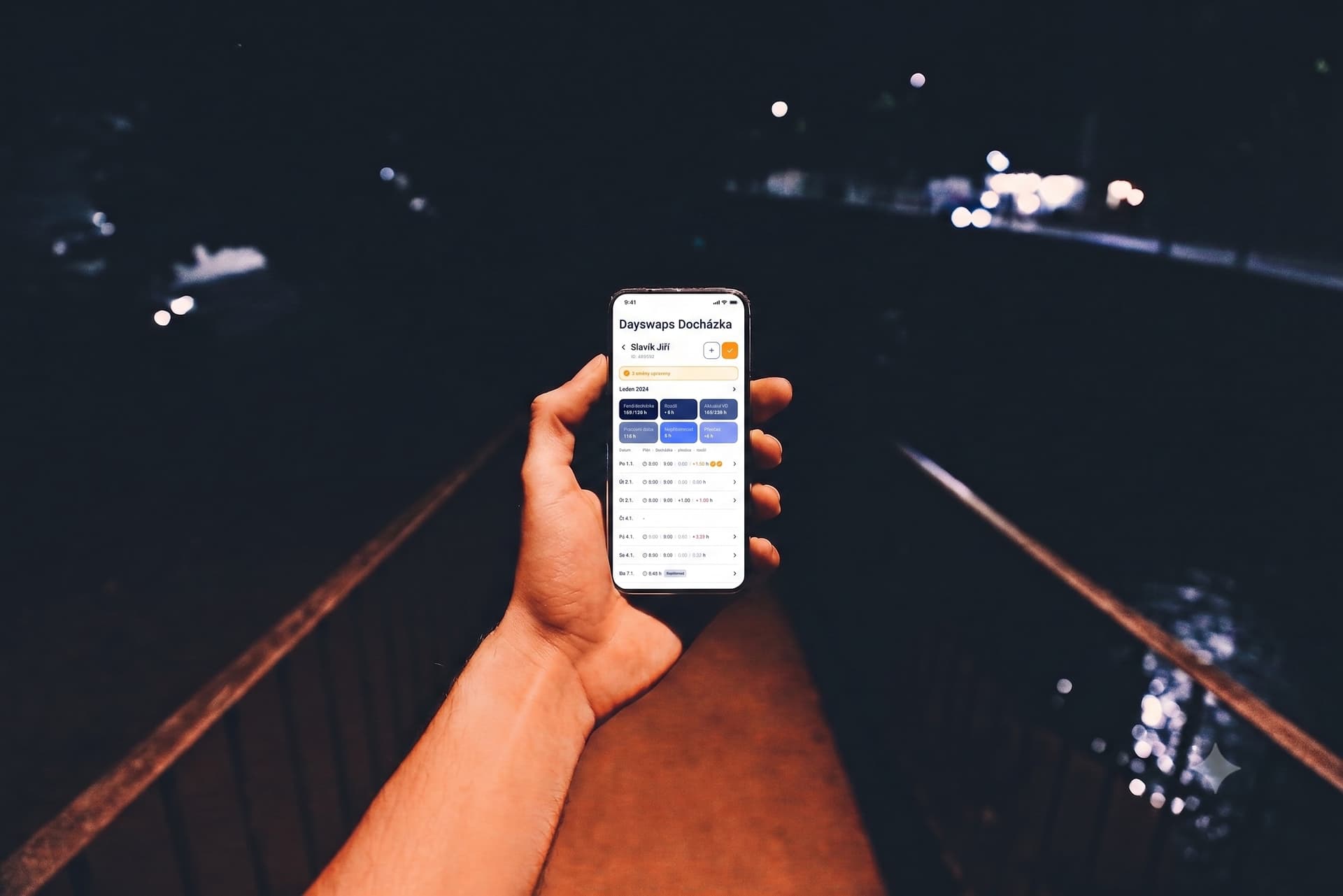
Check and confirm your attendance from your phone
After your shift, you check and confirm your attendance in the app. If it differed from your schedule, you send your manager a correction request — if they've enabled that for your profile.
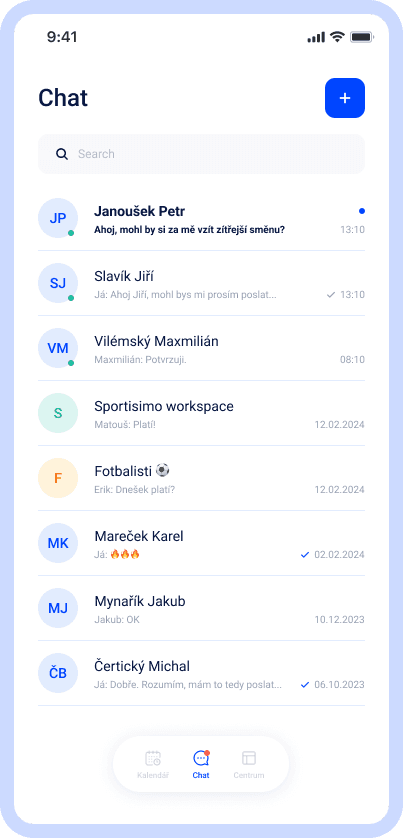
Messages from your team in the same place
Chat with colleagues and your manager without switching to another app.
4.6 out of 5 stars
Employees rate the app highly too.
You'll find it in the App Store for iPhone or Google Play for Android. The fastest way is to scan the QR code above — it sends you straight to the right store for your phone.
Your manager sends you an activation email with an invitation. Once activated, you log in with the email and password you set during web registration.
Yes — offering or swapping a shift is handled right in the mobile app. Your colleague gets notified, and you both know immediately whether the swap is confirmed.
The app asks about notifications the first time you open it. You can change this anytime in Settings → Notifications, where you choose what you want to hear about.
Not directly in real time — but after your shift ends, you can check and confirm your attendance record in the app. If it differed from your schedule, you can send your manager a correction request — if they've enabled that option for your profile.
Yes. If your company uses Dayswaps, employees get the mobile app at no extra cost.
Join more than 100 companies that plan their shifts with Dayswaps.
Free for 14 days, no credit card required.