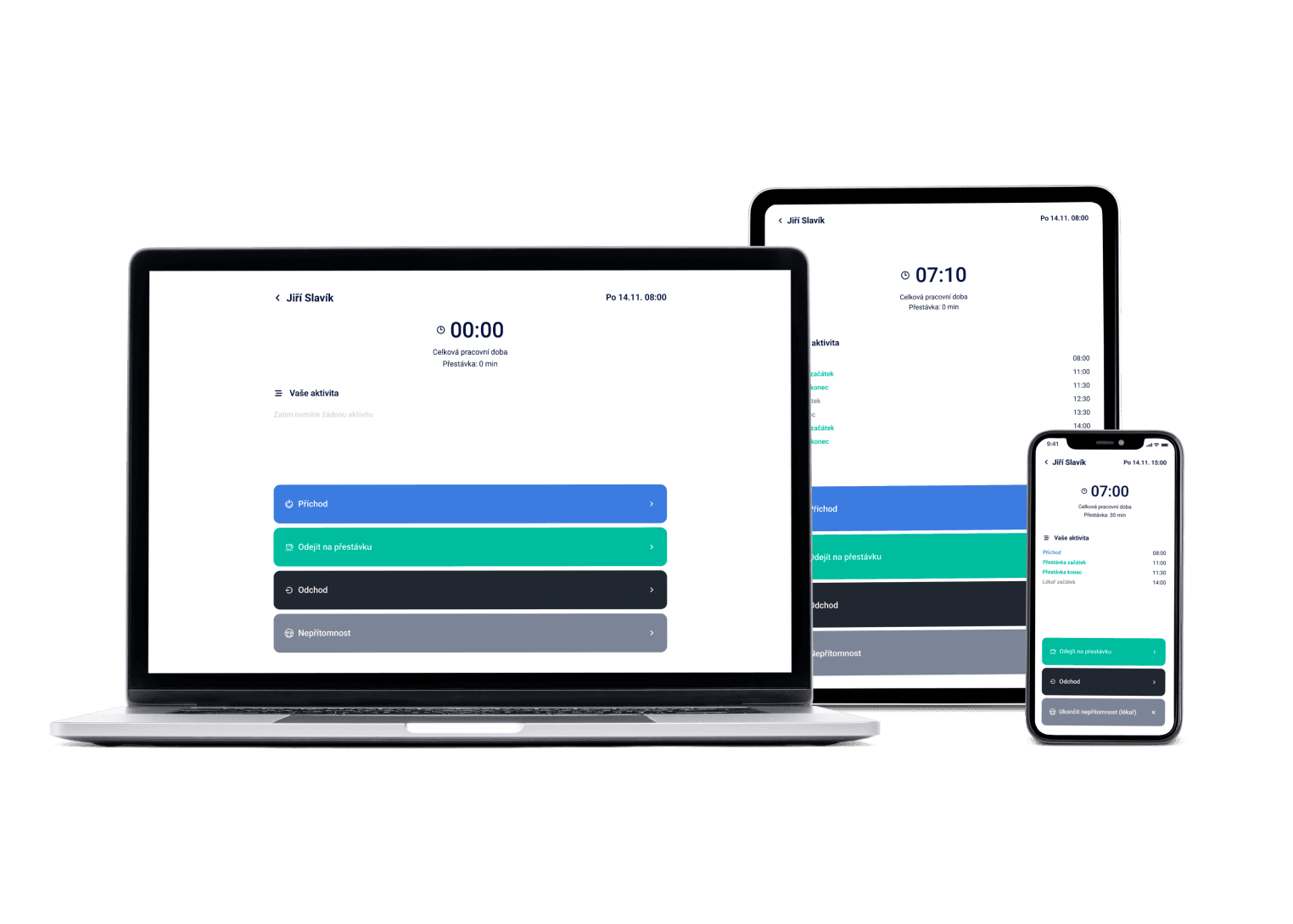
A peak on Monday morning, quiet on Thursday afternoon. In Dayswaps you set how many agents each shift needs, fill open shifts through the shift marketplace and compare the whole team's attendance against the plan — with no hours retyped into payroll.
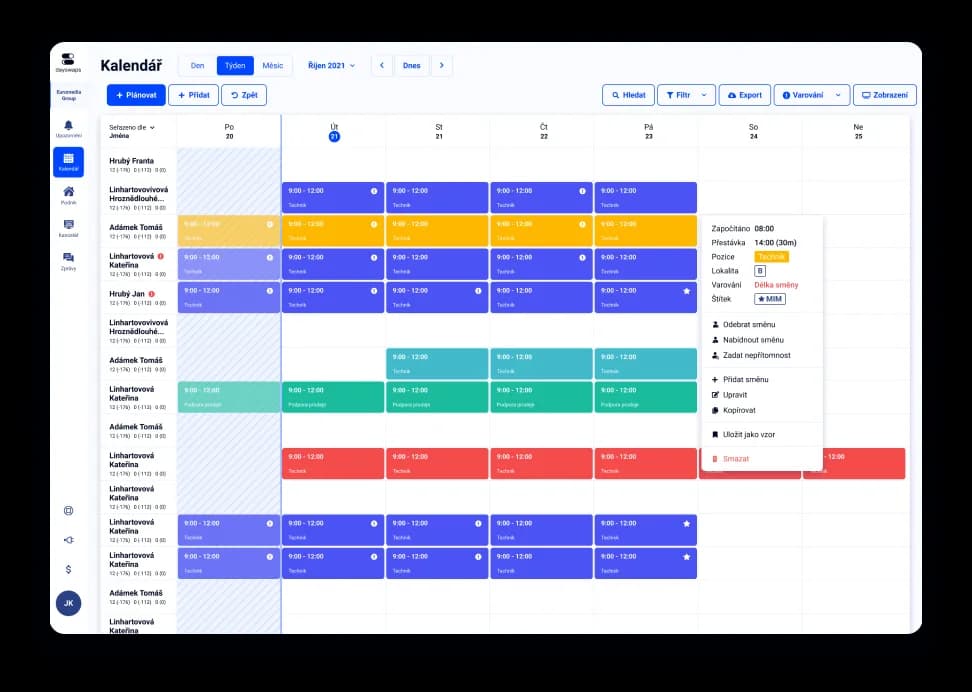
We've got a plan for your shifts! Just like for 100+ other companies


Templates and Daily need
Set the cover you need for each day and shift, and the system shows where you are still short. Call volume between morning and afternoon can differ twofold.
Custom absence types and an approval process to match
Each project can have its own absence types and its own approval chain. A call center usually runs several client projects with different rules.
Plan against reality at a glance
The scheduled shift and the clocked attendance sit side by side, so you see the gap right away. On a large team of agents, hours otherwise get chased down after the fact.
Shift scheduling for a call center means spreading agents across the hours calls actually arrive — different in the morning, the afternoon and at the weekend — while keeping track of absences and hours worked across every project.
Each project has its own positions, shift templates and absence approvals within a single rota. An agent can be assigned to more than one line and their hours still add up into one payroll export.
AI + Human
Type a sentence — “Copy last week and add a Saturday shift for Petr” — and the assistant creates, edits or copies shifts right in the schedule. You review the draft and publish it; the final word is always yours. And when you're stuck, a real human from support sits right next to the AI.
From the Complete plan up you can also ask for a custom report to download — “How many weekend hours did each employee work last quarter?” — and the file arrives right in the reply.
The AI Assistant is part of every plan.
See everything the AI Assistant can do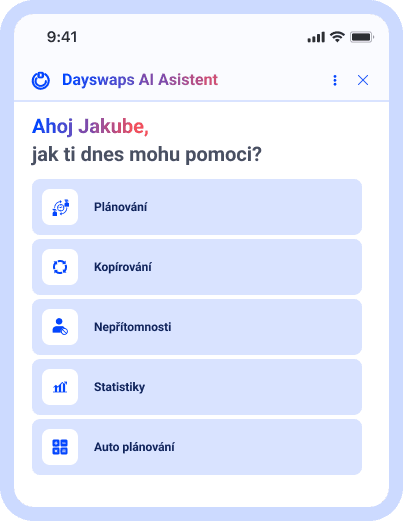
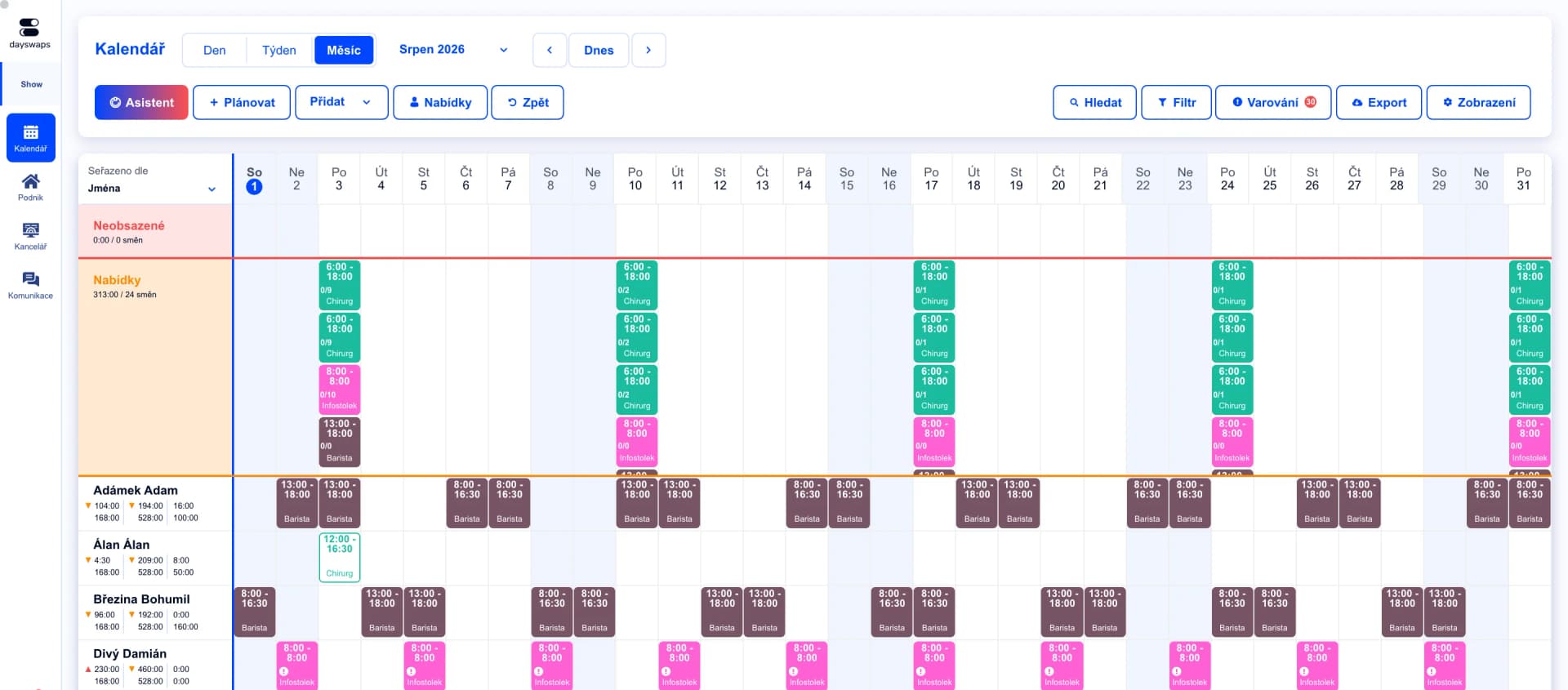
Cover for the peaks, not the average
Shift templates and required cover are set for each day separately.
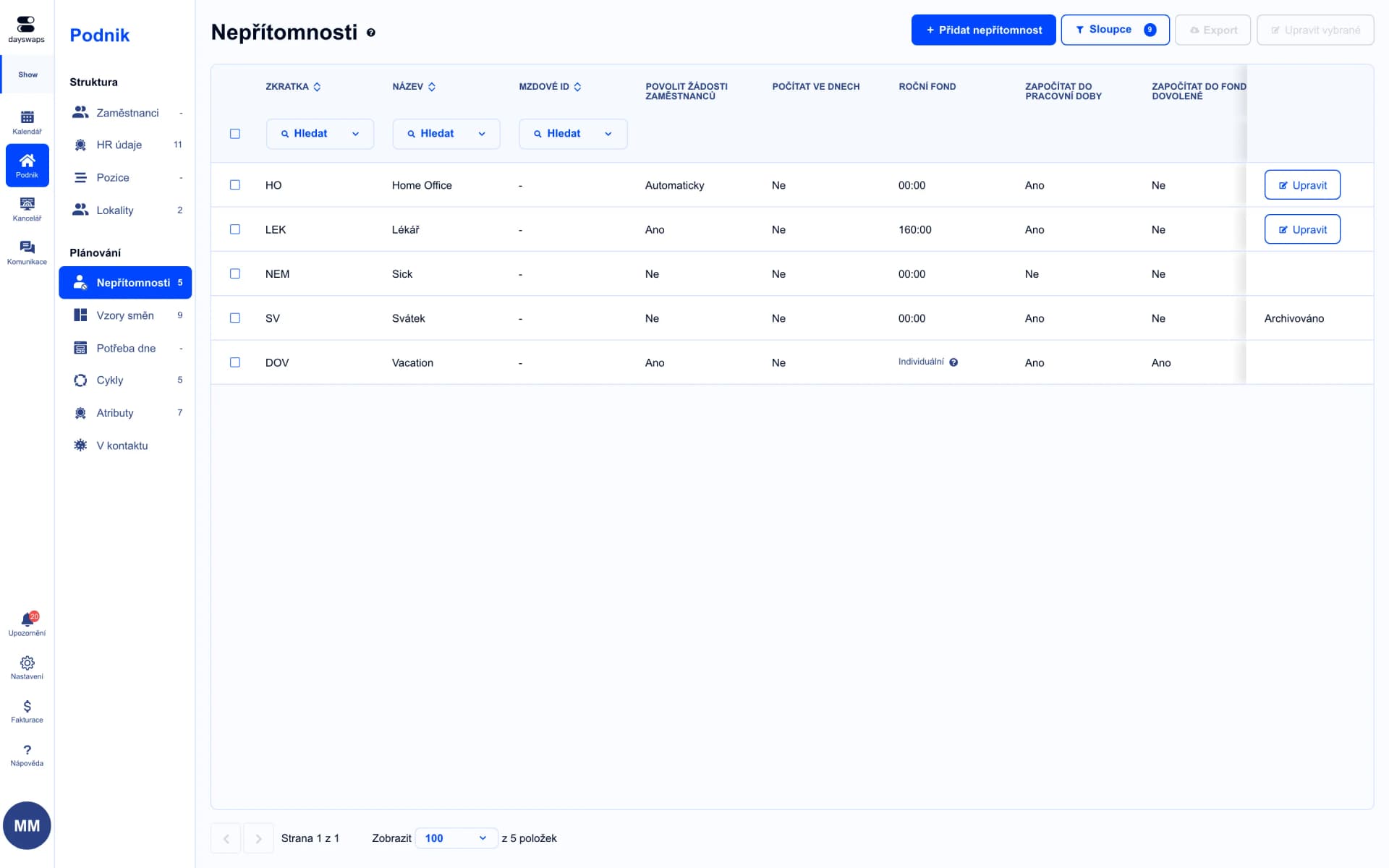
Time off approved per project
Custom absence types and a separate approval chain for every project.
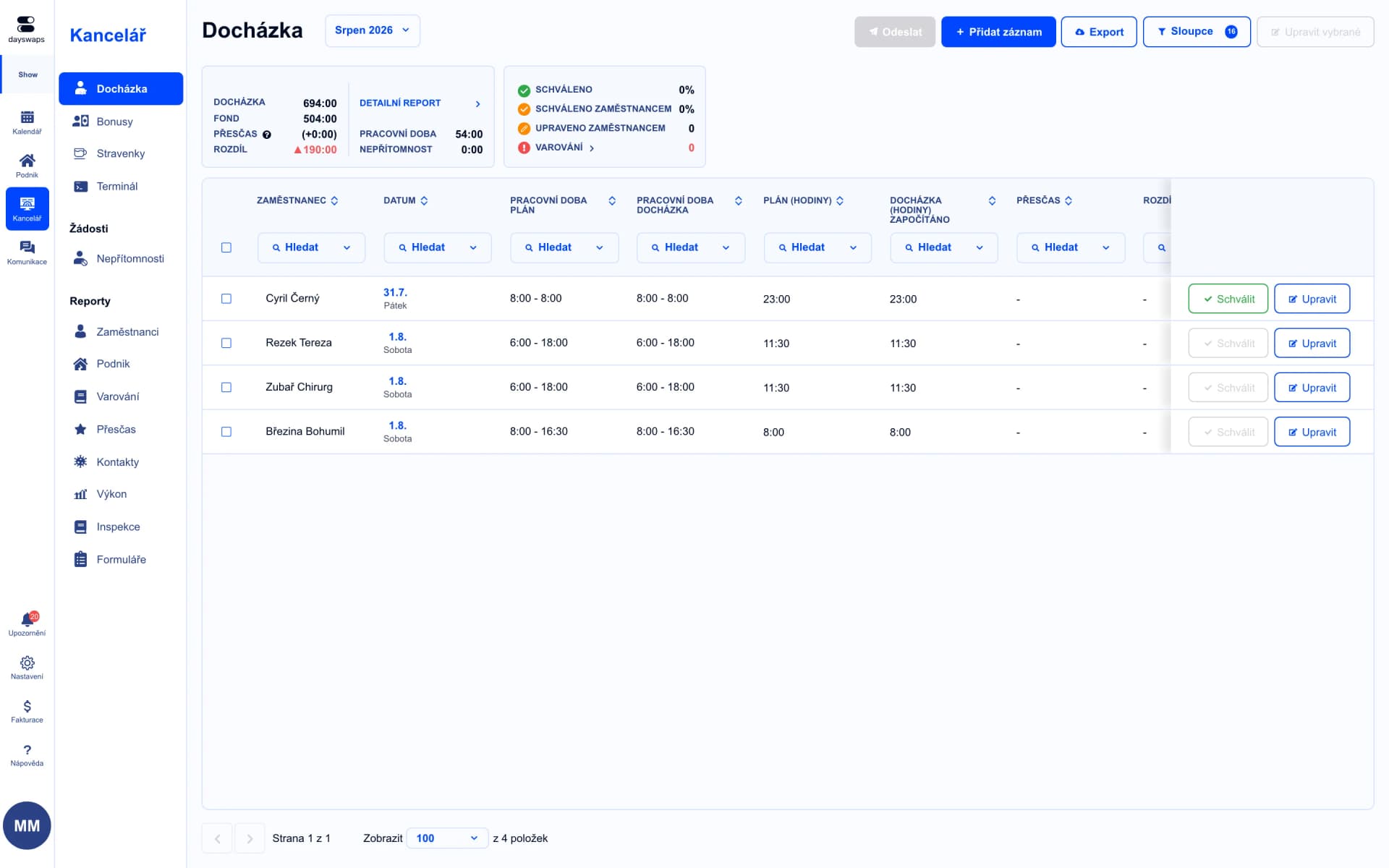
The plan next to the hours actually worked
You see the gap between rota and attendance across the whole team of agents.
Teleperformance runs its call center on Dayswaps too, with absences approved separately for each project.
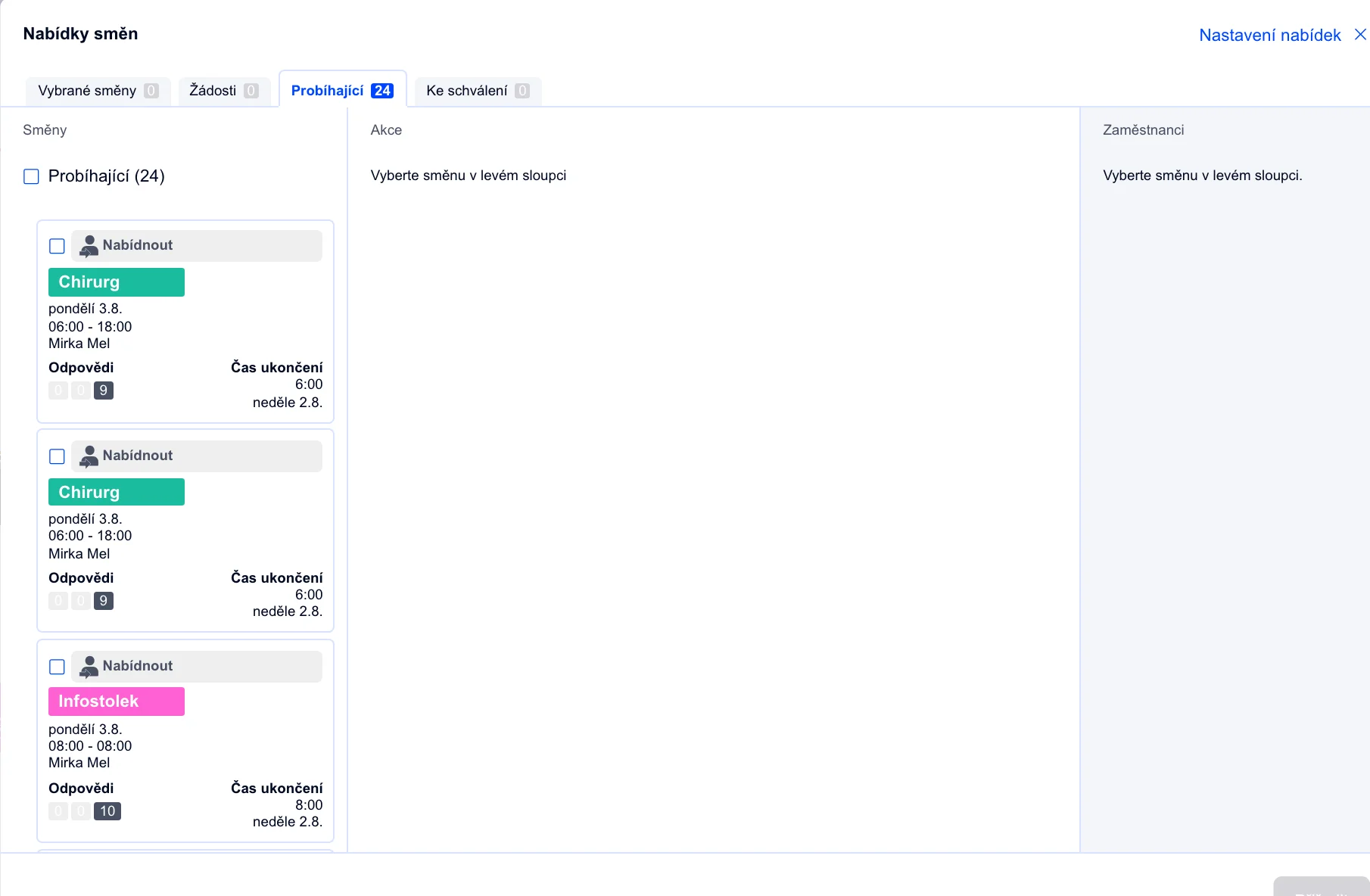
A gap on the line covered in minutes
Offer the open shift to the whole team, or assign it to one agent yourself.
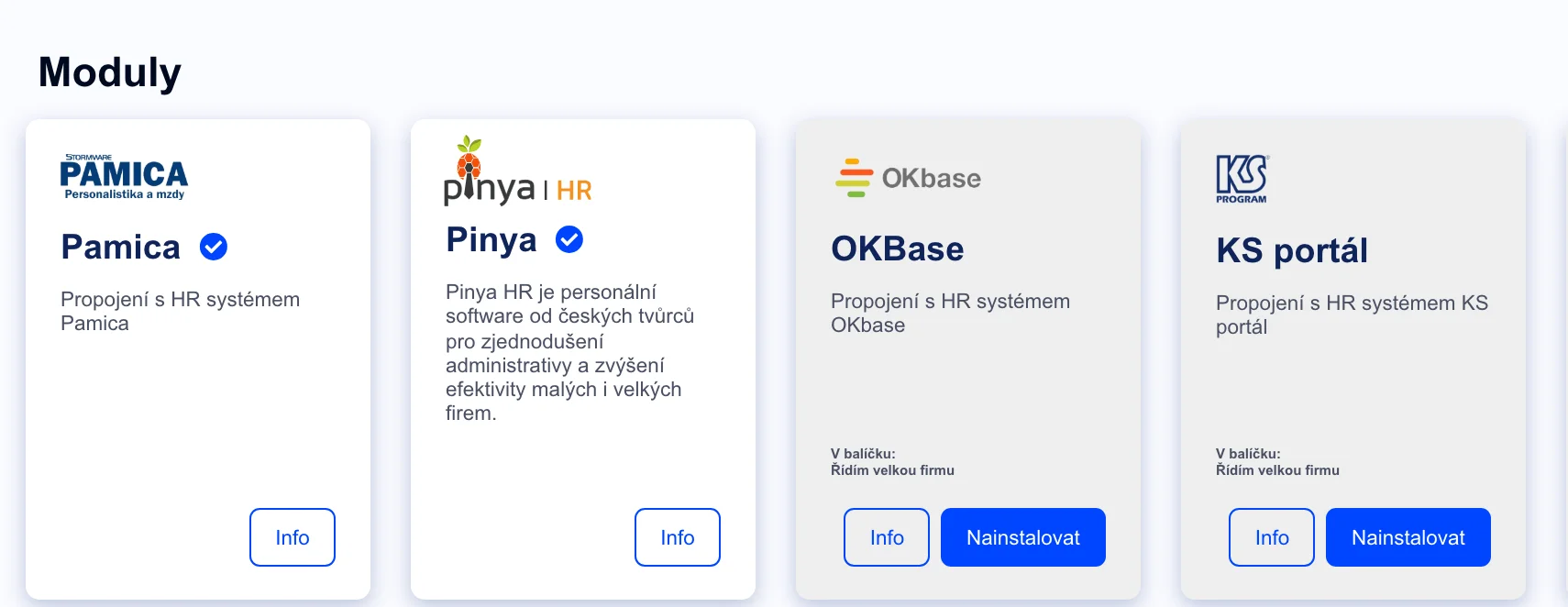
Payroll data with no retyping
Attendance exports straight into KS Portál, Pamica, Helios, HH or MRP.
Through shift templates and the required cover you enter for each day and shift separately.
Yes, each project has its own positions and its own absence approval process.
Yes, the plan and the attendance sit side by side and the system flags the difference itself.
Yes, they clock in from the mobile app, whether they are on the line in the office or at home.
Join more than 100 companies that plan their shifts with Dayswaps.
Free for 14 days, no credit card required.