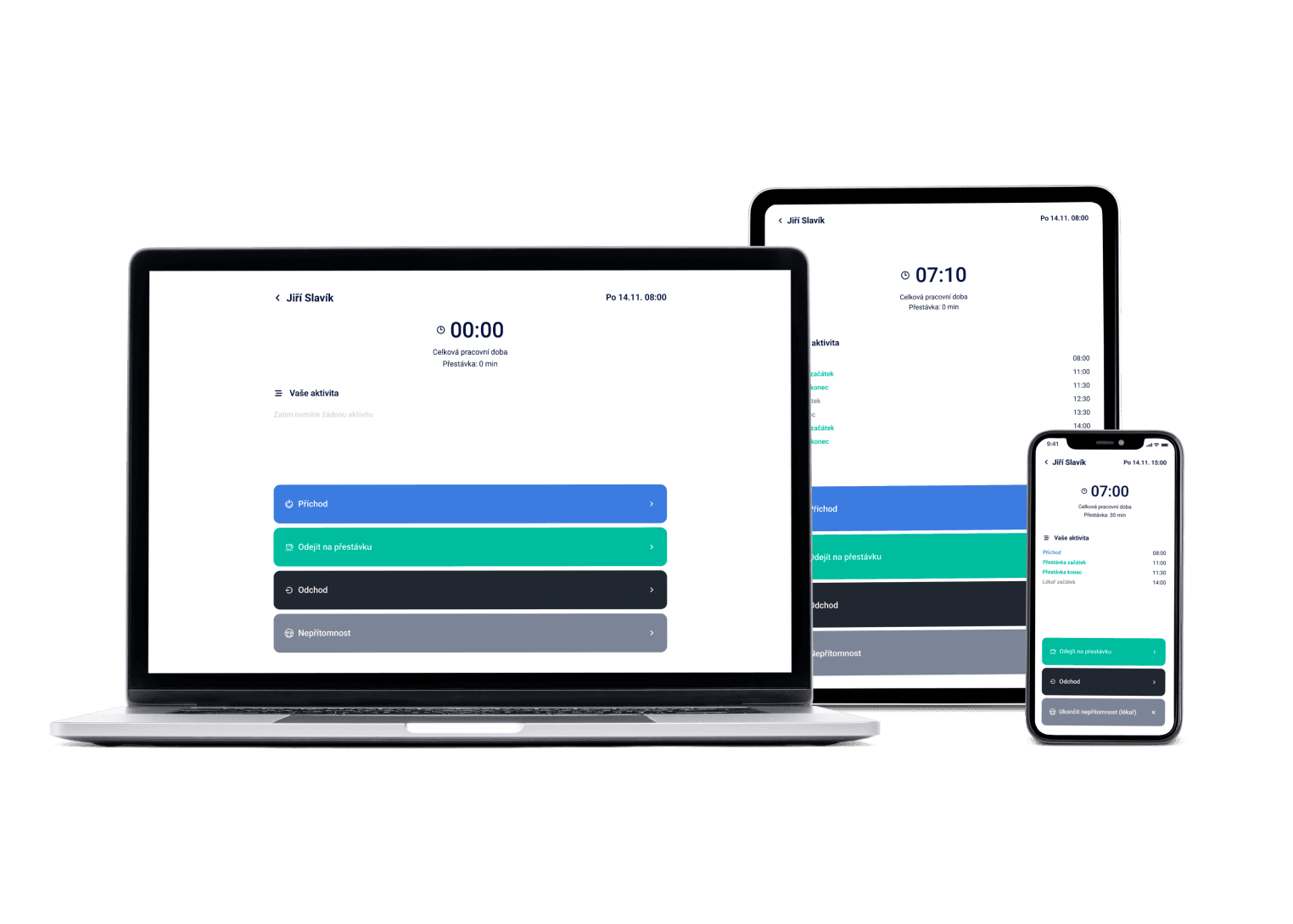
Nobody in an office writes a rota a week ahead — yet everyone needs holiday, home office days and monthly hours to add up. Dayswaps keeps the record of working time, handles time-off requests and turns the month into payroll data.
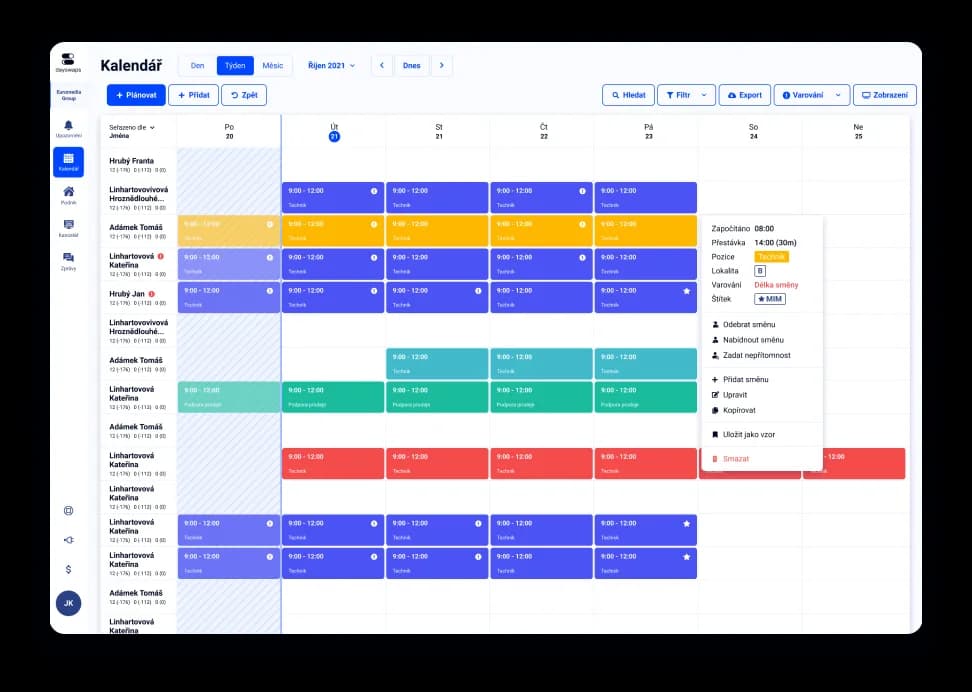
We've got a plan for your shifts! Just like for 100+ other companies


An hours balance that settles itself
Set a balancing period and the system checks that scheduled and worked hours meet as the law requires. With flexible hours the balance is otherwise kept by hand in a spreadsheet.
Requests with attachments
A request for holiday, a home office day or a sick note arrives with the document attached, and you set the approval chain yourself. Office admin otherwise lives in email.
Your own report, built safely
The AI assistant builds the overview you ask for, such as hours worked per team last quarter. Your data stays on Dayswaps infrastructure.
Working time tracking in an office is a documented record of when someone worked, when they were off and how their hours balance stands. Czech labor law requires it even for people with no shifts and no fixed start to the day.
People clock the start and end of work in the mobile or web app, wherever they are working, and the hours add up into the balancing period. You see the balance for the whole period, not just single days.
AI + Human
Type a sentence — “Copy last week and add a Saturday shift for Petr” — and the assistant creates, edits or copies shifts right in the schedule. You review the draft and publish it; the final word is always yours. And when you're stuck, a real human from support sits right next to the AI.
From the Complete plan up you can also ask for a custom report to download — “How many weekend hours did each employee work last quarter?” — and the file arrives right in the reply.
The AI Assistant is part of every plan.
See everything the AI Assistant can do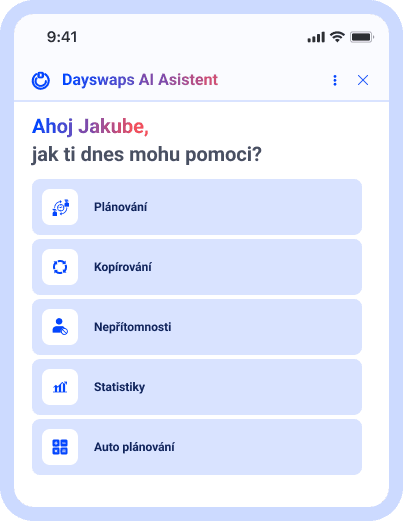
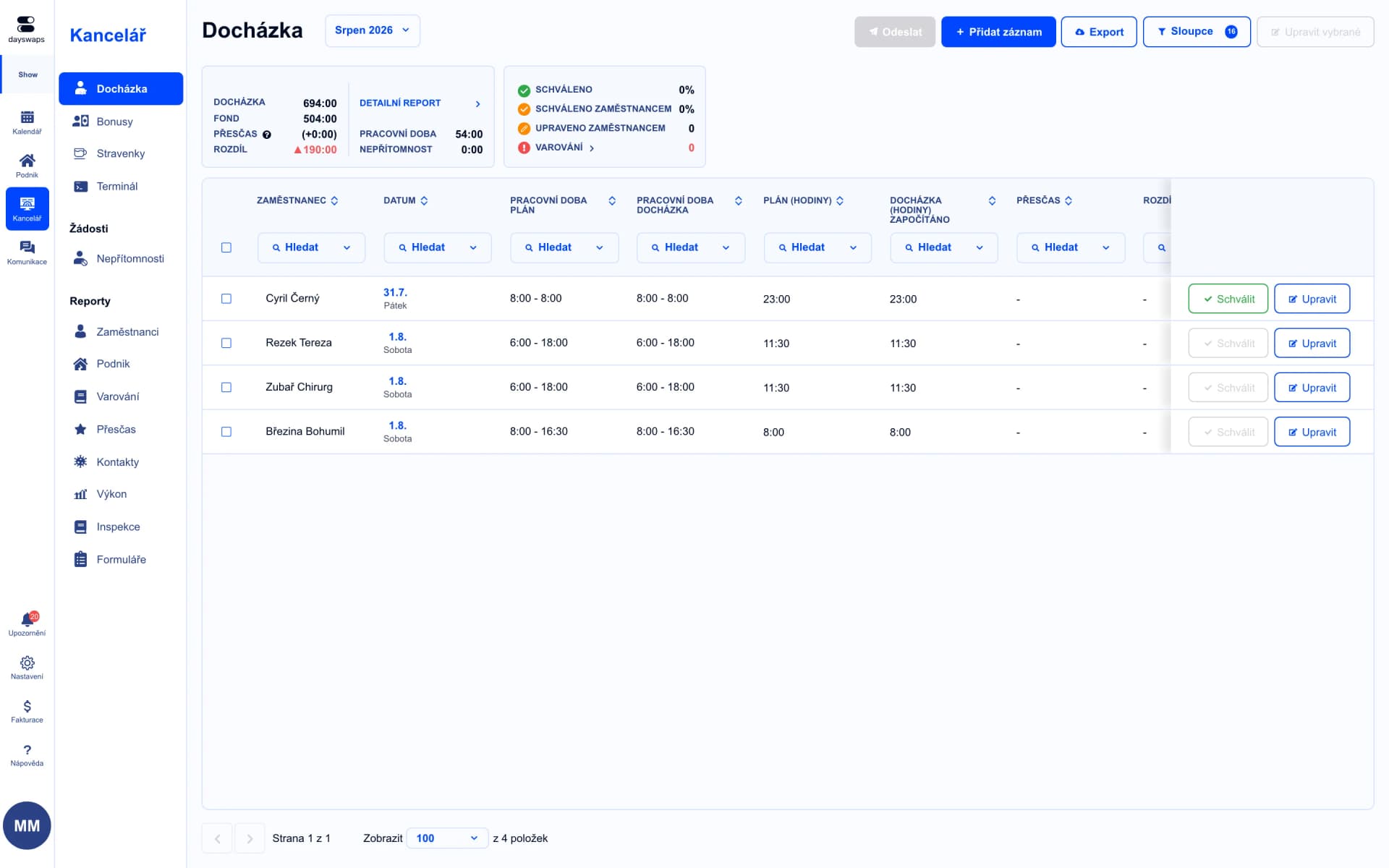
A record even without fixed shifts
People clock in and out, and the system turns that into a documented record.
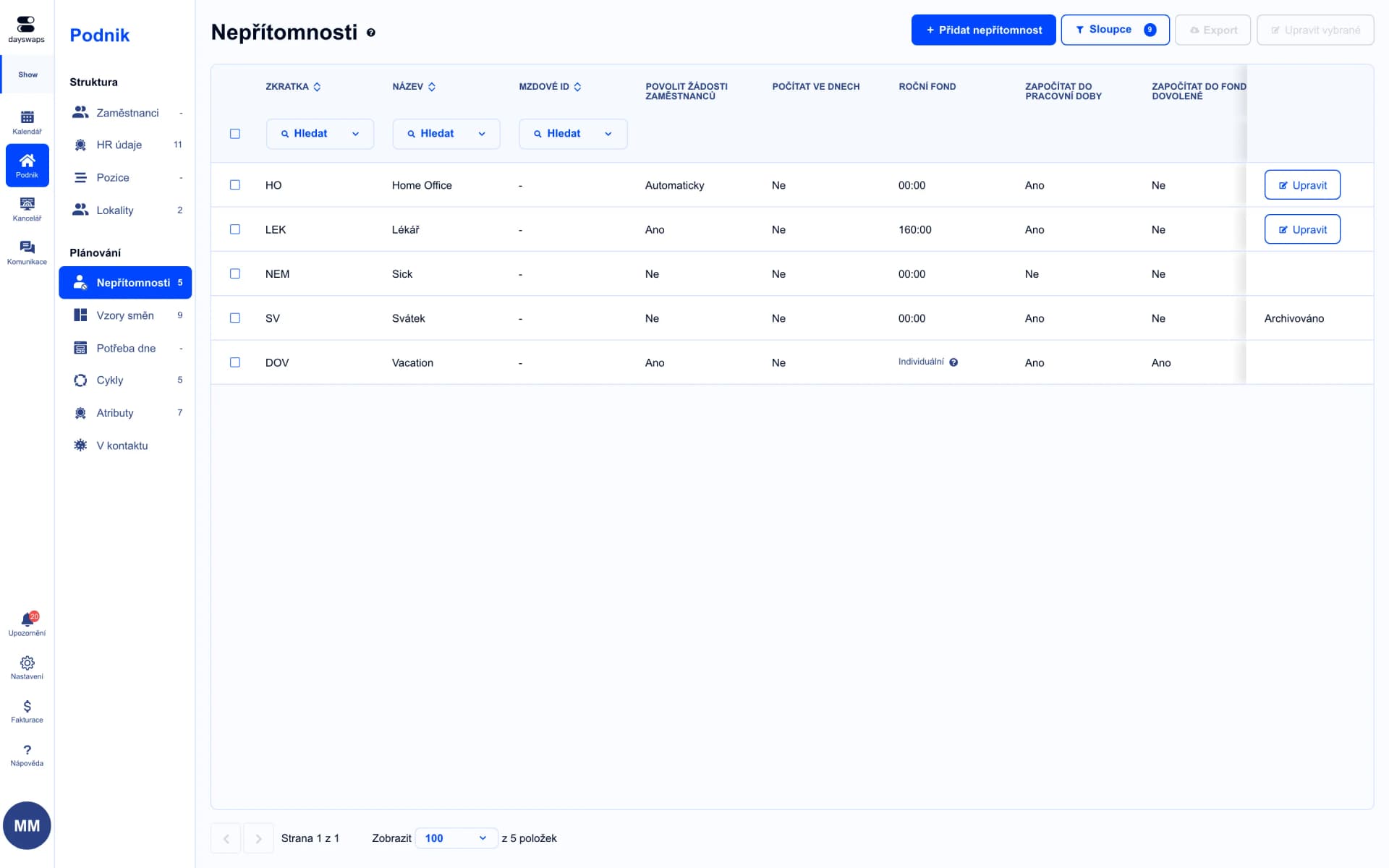
Holiday and home office in one place
Custom absence types, your own approval chain, requests with attachments.
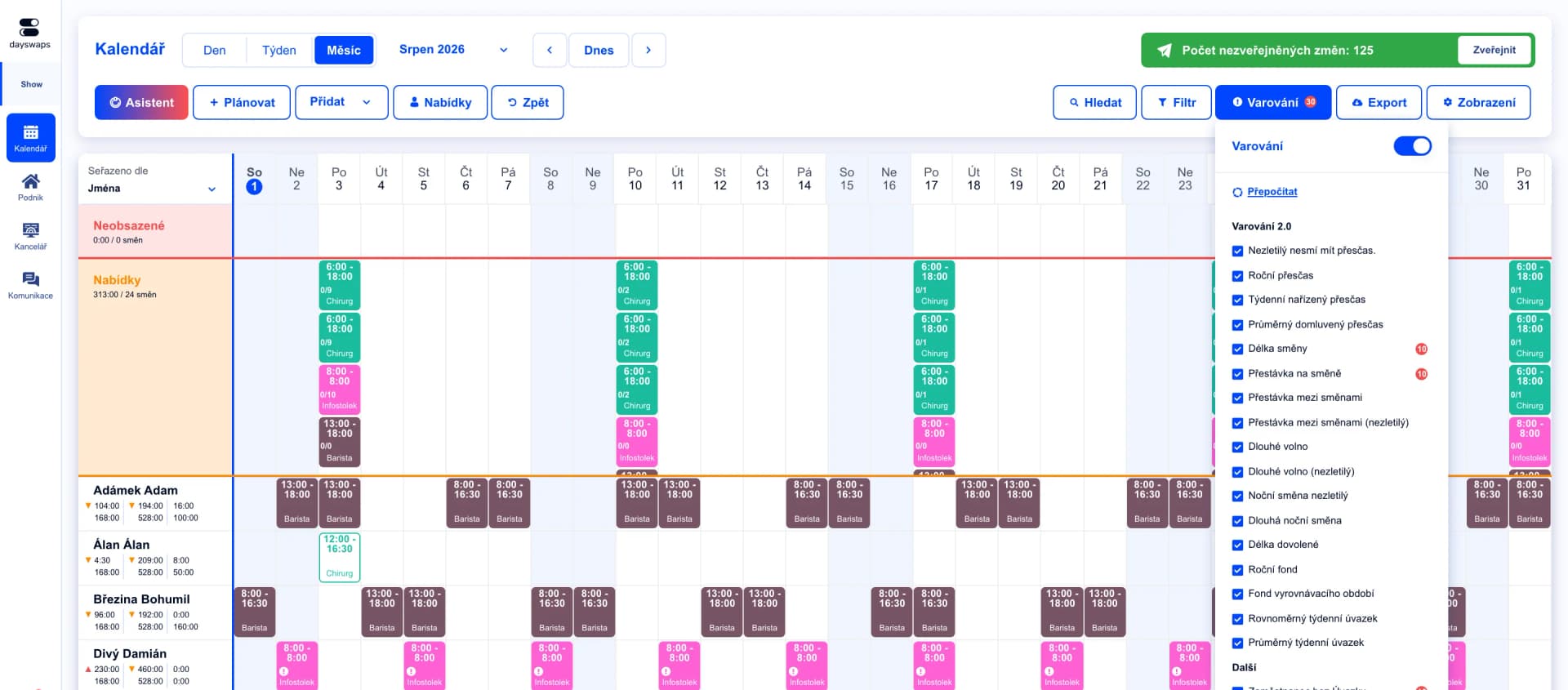
The balancing period under control
The system checks that the hours balance settles over the period you set.
Czech companies such as GRIZLY and Rixo use Dayswaps too — recording hours and approving time off works the same way for an office team as for an operation.
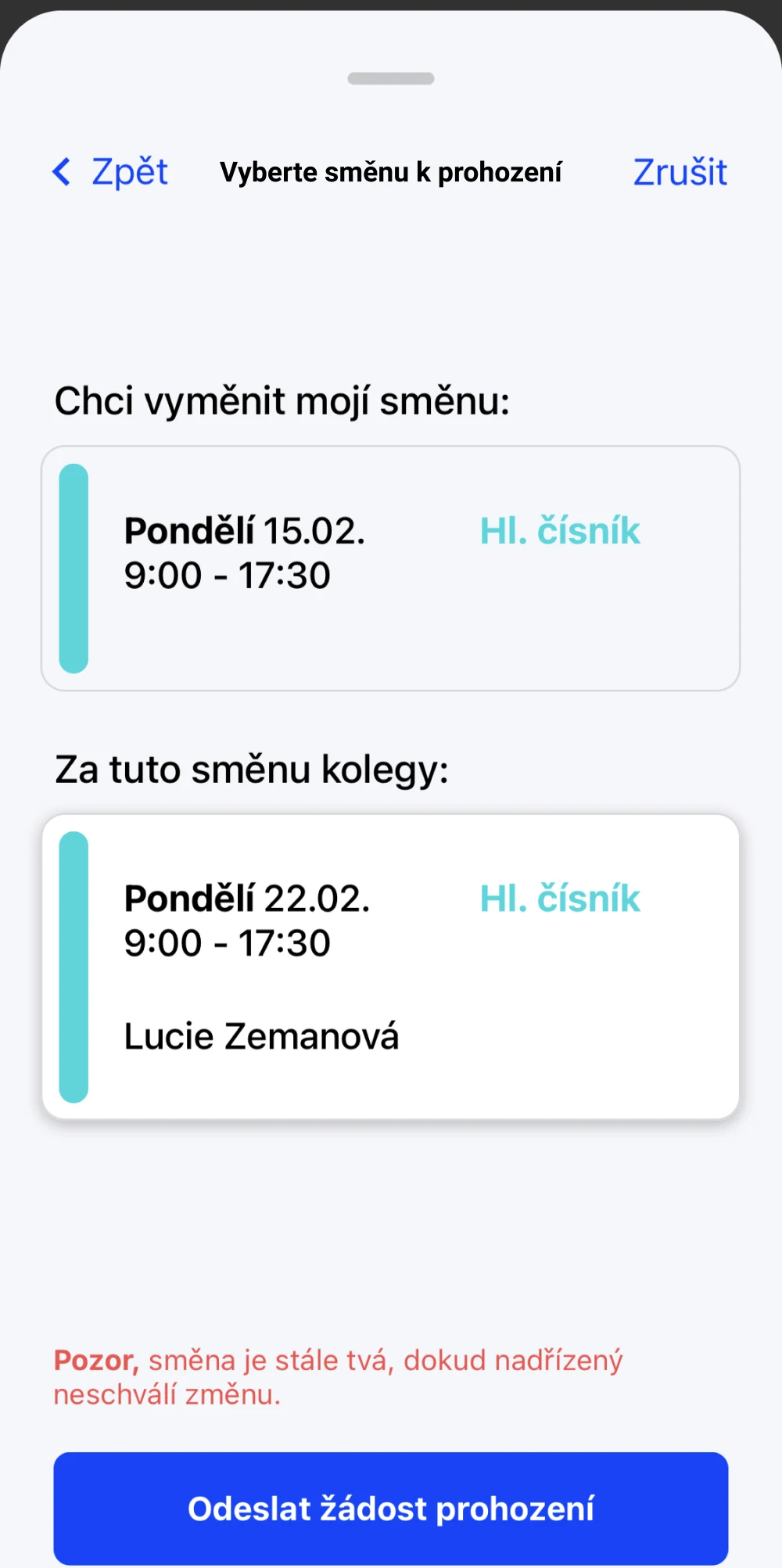
Clocking in from home or the office
People clock their attendance from the phone, wherever they work that day.
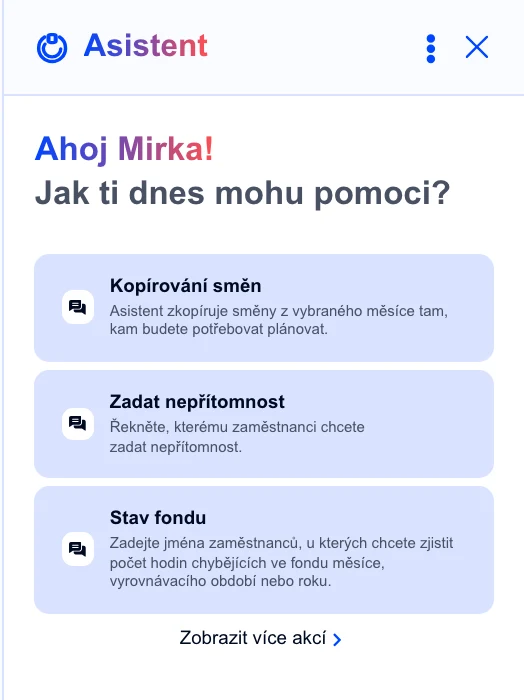
An hours report without spreadsheets
Ask in your own words and the assistant builds the hours overview per team and period.
Yes, Czech labor law requires a record of hours worked for every employee. Dayswaps builds it from clocked attendance, so you do not have to write a rota.
People clock their work from the phone or the web, and the day counts the same as work in the office.
Yes, through the balancing period, where the system checks whether the hours have settled.
You set your own approval chain, deciding who may request and who confirms.
Join more than 100 companies that plan their shifts with Dayswaps.
Free for 14 days, no credit card required.